
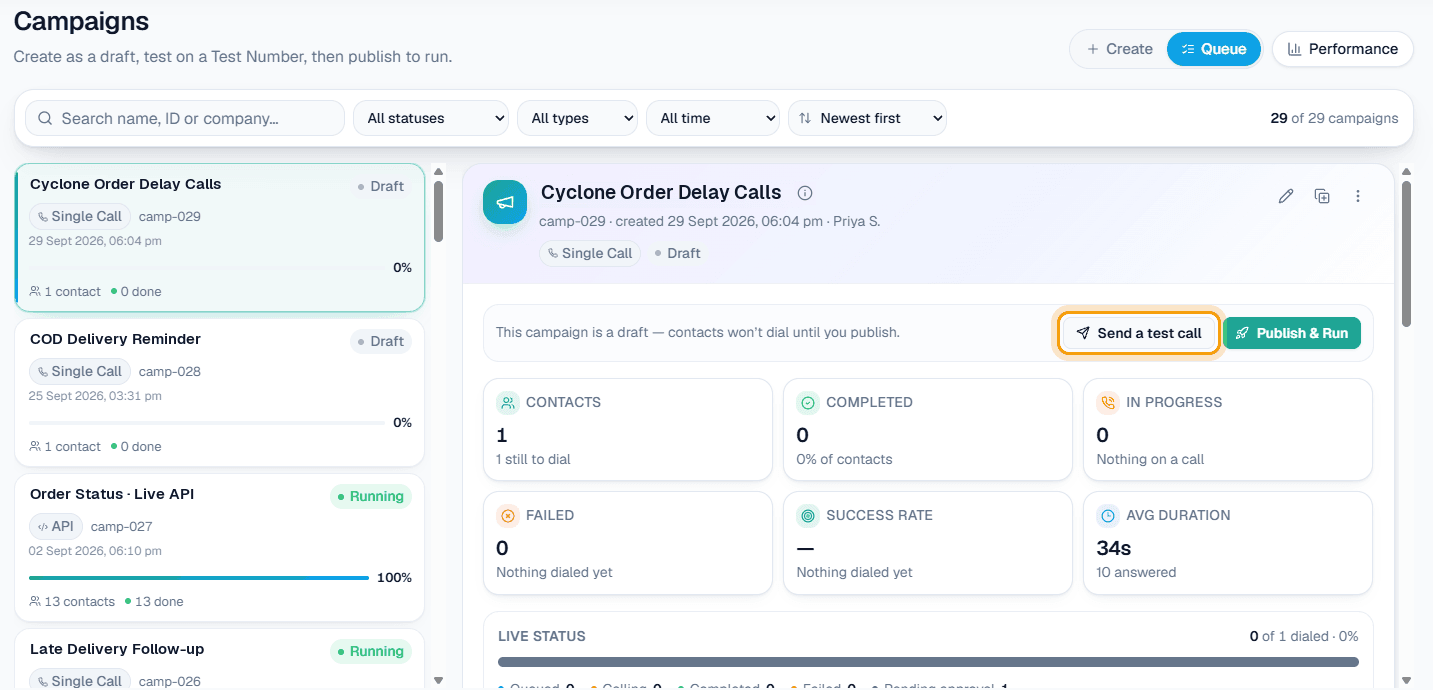
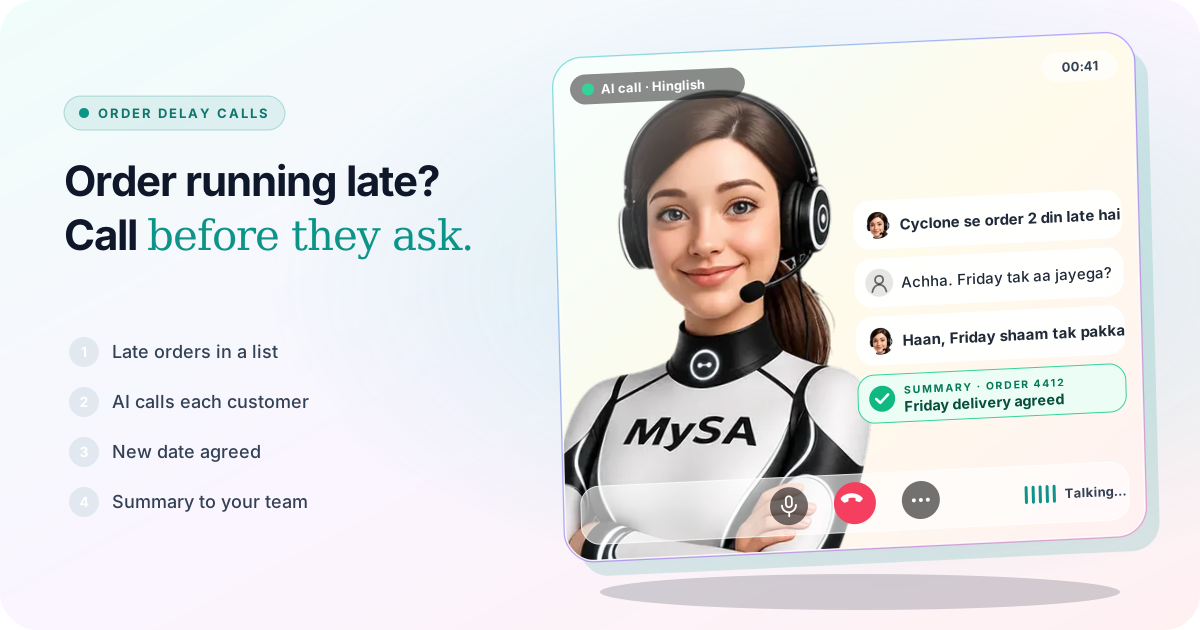
An order delay message to customers tells each buyer, before they start chasing you, that their order is late, by how much, and what happens next. With MySA Business, an AI call campaign can ring every customer on your late-orders list, give each one their own order number and new date, and note who accepted the new date and who wants to talk to a person. Your team then works from a short list instead of a ringing phone.
Why it matters this week
On 26 October 2026, IMD expected Cyclone Arnab to cross the Andhra Pradesh coast between Bapatla and Visakhapatnam by the forenoon of 28 October, with red alerts for heavy rain across coastal Andhra Pradesh and southern Odisha. When roads close and courier hubs stop, deliveries into and out of the region slip by days, and customers anywhere in India who ordered from or to these districts start asking where their parcel is. Follow IMD and your district administration for the weather itself; this article is about keeping customers informed once you know an order is late.
If you also have to close a shop or move bookings, read shop closed for a cyclone. This piece is about orders and deliveries.
Who should get a call, and what they need to hear
Not every late order needs the same message. Sort the list first:
| Customer | What they need to hear | Who should handle it |
|---|---|---|
| Order late by a day or two | The new date, and that nothing else changes | An AI call |
| Order with a fixed date (wedding, function, gift) | The new date, and whether that still works for them | An AI call that flags "date does not work" for your team |
| Cash-on-delivery customer | The new date, so they keep the cash ready and stay reachable | An AI call |
| Customer who already complained | An apology from a person | Your team, directly |
| Order cancelled because the item was damaged | Refund or replacement terms | Your team, directly |
The AI is good at the first three rows: many short, similar calls, each with a different order number and date. The last two need a person.
Build the late-orders list
Export the delayed orders from your store, ERP or courier panel into Excel. A campaign needs only one column, destination, the customer's mobile number. Add customer_name and up to fifteen columns named var1 to var15 for the details of each order:
| destination | customer_name | var1 | var2 | var3 |
|---|---|---|---|---|
| 98xxxxxx12 | Ravi | SO-4412 | 2 din | Friday shaam |
| 97xxxxxx40 | Lakshmi | SO-4419 | 3 din | Saturday |
Then write the purpose with those columns in it, for example: "Customer ko batao ki unka order {var1} cyclone ki wajah se {var2} late hai aur ab {var3} tak pahunchega. Poochho ki ye date theek hai ya nahi. Agar nahi, ya customer kisi se baat karna chahe, to note karo." Each call speaks its own row. If a row leaves a variable empty, that part is simply dropped, so write the sentence so it still reads well without it. See Campaigns and the campaign docs.
Prefer .xlsx if names are in Telugu, Odia, Hindi or another script; Excel can save a .csv in an encoding that garbles them.
What the call sounds like
Example
AI: Namaste Ravi ji, main ABC Home Store se bol rahi hoon. Aapka order SO-4412 cyclone ki wajah se 2 din late hai. Ab ye Friday shaam tak pahunchega. Kya Friday aapke liye theek hai?
Customer: Friday chalega. Bas cash on delivery hai, number yahi rahega.
AI: Ji, note kar liya. Delivery wale isi number par call karenge. Dhanyavaad.
The store is made up. After the call your team sees an AI summary ("Friday OK, COD, same number"), the sentiment, the tags and the recording in Call Logs. A customer who says the new date does not work, or who is upset, can be found with the sentiment filter, and calls that need a person are flagged Needs a human. If a customer says "kal call karna", the call-back goes to Follow-ups at the time they asked; read how to handle "call me later".
When the date changes again
Weather delays rarely move once. If your order system has an API, MySA can read each customer's order status just before it dials, so the call speaks today's status rather than yesterday's spreadsheet. Under Integrations → My APIs, an API marked Customer-specific (uses their mobile) is called with that customer's number before each outbound call, and its answer is handed to the AI as facts. The AI calls with real-time data guide walks through it, and the Custom APIs docs list every field. My APIs appears once Custom APIs are enabled for your workspace; ask support if you do not see it.
The same API can answer inbound callers too. Attached to your inbound number, it lets the AI tell a customer who rings to ask "mera order kahan hai?" what your system says about their order, instead of a generic "it is delayed". See Inbound calls.
Do it at the right hour
Calls are never placed inside your DND hours; a list started late at night waits for the morning instead of waking people up. A long list can also be spread across several days with a Scheduled campaign, so the replies and complaints reach your team at a pace they can handle.
What works today, and what it does not do
| Works today | Does not do |
|---|---|
| Calls every customer on your late-orders list with their own order number and date | Know that an order is late on its own; your list or your API says so |
| Reads each customer's live order status from your API before dialling, if Custom APIs are enabled | Track a courier's parcel without your own system or API |
| Notes who accepted, who did not, and who asked for a person | Issue refunds, cancel orders or change addresses in your store |
| Call-backs at the time a customer asked | Send SMS or email |
| Holds calls during your DND hours | Call when your own phone line or the customer's network is down |
These are scenarios, not customer stories.
Getting started
- Create a workspace and verify your mobile number to get ₹100 of Test credit in the separate Test environment.
- Approve your Business Details: delivery areas, return and refund rules, the number customers should call.
- Press Try now: the AI rings your own phone, so you hear it before any customer does.
- Upload a small late-orders file, make a test call to your own number, then go Live, top up the prepaid wallet and run the full list.
Calls of 10 seconds or less are free; longer calls are billed per started minute. The rate for your workspace is shown in the console. Talk to sales for volume pricing.