
A price change update to dealers is the call a distributor or manufacturer makes when a rate list changes: what the new price is, from which date, and whether the dealer wants to book stock before it applies. With MySA Business, an AI voice assistant can ring every dealer and retailer on your list, tell each one the new rate for the products they buy, ask whether they want to order, and put the answer in a summary for your sales team. The AI tells and asks; your team confirms orders and decides the terms.
Why a WhatsApp message alone is not enough
Most distributors send a new rate list as a PDF or a photo in a WhatsApp group. It works for the dealers who read it. The rest find out when the bill comes, and the argument starts there: "humein to purana rate bataya tha".
Commodity goods make this worse. Edible oil is one example: the government cut import duty on crude edible oils in September 2026 (SCC Online), and rates also move with global prices, so a distributor's list can change more than once a month. The same is true of sugar, pulses, cement, steel, tiles and packaging. Each change is a round of calls your sales staff make on top of their own work.
Who to call, and what to ask
| Dealer | When to call | What the call asks |
|---|---|---|
| Regular buyer of the products whose rate changes | 2–3 days before the new rate applies | New rate and date; do they want stock before then |
| Has a pending order at the old rate | As soon as the rate is fixed | Whether the order stands at the rate you have agreed |
| Price is going down | Before they reorder | New rate, so they do not hold back orders |
| Asks for a special rate or credit | Not by the AI | Your sales person |
Call only the dealers who buy the products whose price is changing. A dealer who hears about a rate he does not buy has learned to ignore your next call.
Set up the update campaign
A CSV Upload campaign calls a list once, which fits a rate change.
- Export your dealer list from your billing software into Excel or CSV, with each dealer's mobile number. Columns
var1tovar15carry each one's details:var1the shop name,var2the product,var3the current rate,var4the new rate,var5the date it applies. For several products, put each in its own column or keep the call to the one product that matters most. - Write the purpose plainly. For example: "Tell {var1} that the rate of {var2} changes from ₹{var3} to ₹{var4} from {var5}. Ask whether they want to place an order before then, and note the quantity. Do not promise the old rate on any order; say that our sales team will confirm. If they ask for a discount or credit, say that our sales person will call."
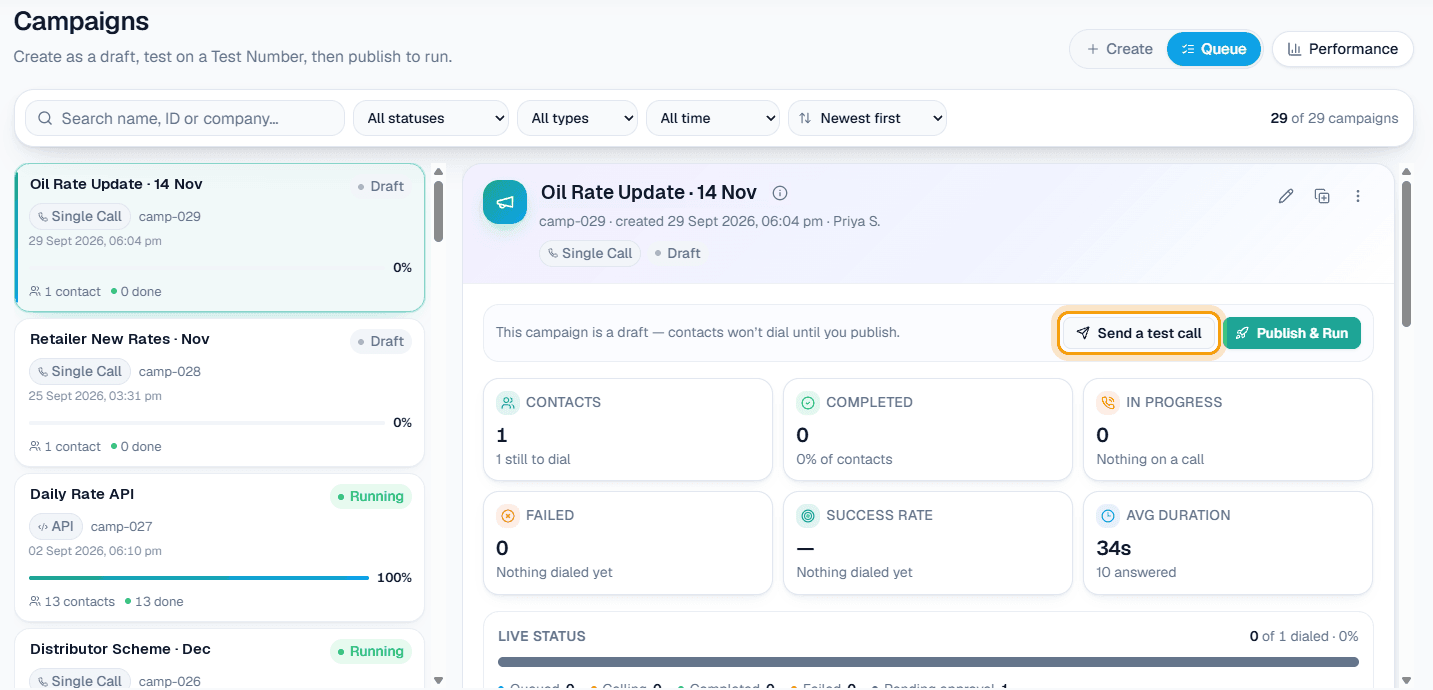
- Send a test call from the Queue to your own phone.
- Publish & Run. Calls go out from your start time and never inside your DND hours.
If your rates are in your own system and change daily, the AI can read today's rate from it during the call with Custom APIs. See AI calls with real-time data.
An update call, as the dealer hears it
Example
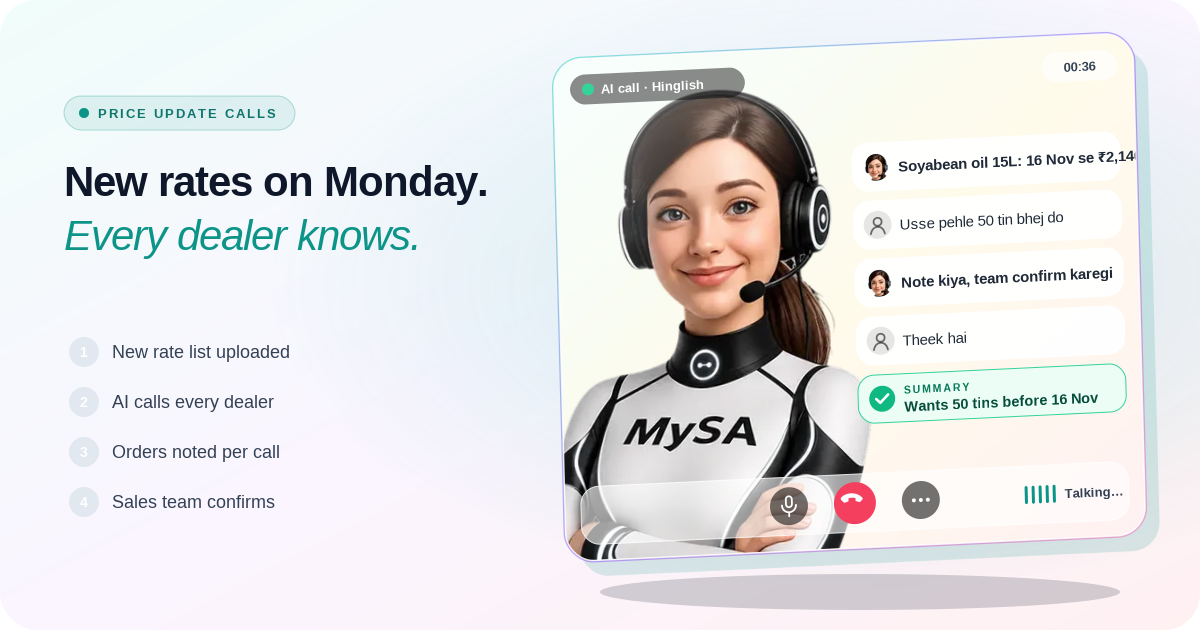
AI: Namaste, main Gupta Traders se bol raha hoon. Soyabean oil 15 litre tin ka rate 16 November se ₹2,140 ho raha hai, abhi ₹2,060 hai.
Dealer: Achha. Usse pehle 50 tin bhej do.
AI: 50 tin note kar liya, hamari sales team confirm karegi.
Dealer: Theek hai.
Gupta Traders and the rates are made up. After the call, Call Logs has the recording and an AI summary ("wants 50 tins before 16 Nov"). Your team still confirms the order, the rate and the delivery; the summary tells them whom to call first.
Send the rate list after the call
A dealer who heard the new rate often wants it in writing. With MySA WhatsApp, an On Call Messaging rule can send a WhatsApp template after the call from MySA's own number, with no WhatsApp Business account of your own. A template for your price list goes through Request a new template, and WhatsApp decides what it approves. Each message is charged from your wallet. See MySA WhatsApp.
If you already use your own WhatsApp Business number, the same rule can send from it; see WhatsApp.
What works today, and what it does not do
| Works today | Does not do |
|---|---|
| One call to each dealer with their product, old rate, new rate and date | Change the rates in your billing software |
| The quantity a dealer asks for, in the call summary | Book the order or promise the old rate |
| Today's rate read from your own API, if you have one | Negotiate a discount or credit you did not write down |
| A WhatsApp template after the call | Send PDFs or photos you have not made a template for |
| Requests for a sales person transferred during the call | Call inside your DND hours |
These are scenarios, not customer stories. For manufacturers calling their distributors, see AI calling for manufacturers.
Getting started
- Create a workspace and verify your mobile number to get ₹100 of Test credit in the separate Test environment.
- Fill in your Business Details with your products, delivery areas and how dealers place orders.
- Press Try now: the AI rings your own phone. Answer as a dealer who asks for last month's rate.
- Run a test campaign with three of your own numbers and
var1tovar5filled in. - Go Live, top up the prepaid wallet, and upload the dealers for the next rate change.
Calls of 10 seconds or less are free; longer calls are billed per started minute. The rate for your workspace is shown in the console. Talk to sales for volume pricing.