
AI candidate screening calls are first-round phone calls made by an AI voice assistant to job applicants, to ask the same few questions a recruiter asks before anything else: is the person still looking, what is their notice period, which cities can they work in, what salary do they expect, and do they have the skills the role needs. With MySA Business, a recruitment or staffing firm uploads its applicant list, the AI calls each person in Hinglish or another language, and every call ends in a written summary. Recruiters then spend their time on the candidates who fit, not on the first two minutes of every call.
Why applicant lists are getting longer
In November 2026, several technology companies announced job cuts that reached India. Indian media reported from 11 November that Qualcomm had begun layoffs in India as part of a global restructuring, with estimates of about 1,000 or more roles; the company has not confirmed a number (Business Today). Around 17–18 November, Salesforce was reported to have begun another round of cuts, again without a disclosed figure (CX Today).
Behind each of those numbers is a person looking for their next role, often with years of experience. For recruiters, it means more applications per opening, and more good candidates who deserve a quick, respectful reply rather than silence. A first-round call that reaches everyone within a day or two is one way to give them that.
What a first-round screening call should cover
Keep the first call short and factual. It is not an interview; it checks whether a deeper conversation makes sense.
| Question | Why it matters |
|---|---|
| Are you still looking for a change? | Applications go stale fast |
| What is your notice period, or are you available now? | Decides whether the client's joining date works |
| Current location, and are you open to the job city? | Removes mismatches before a recruiter's time is spent |
| Expected CTC | Checks the client's budget band early |
| Experience with the key skill (Java, field sales, Tally…) | A first filter, not a test |
| A good time for the recruiter to call | Gives the shortlist a next step |
Five or six questions fit comfortably in a call of a minute or two.
How the call sounds
A purpose for a Java developer opening might be: "Call the candidate about the {var1} role they applied for with our client in {var2}. Confirm they are still looking. Ask their notice period, current city, whether they can work in {var2}, expected CTC and years of Java experience. Thank them and say a recruiter will call if their profile is shortlisted."
The call then sounds like this:
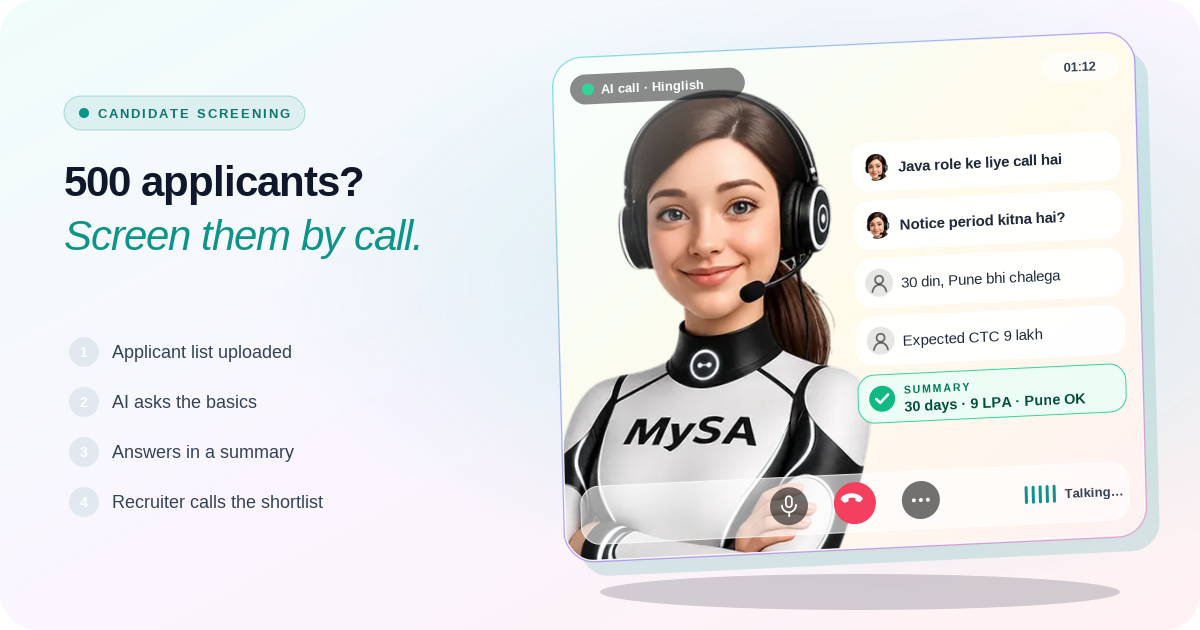
AI: Namaste Ankit ji, main ABC Staffing ki taraf se bol rahi hoon. Aapne Java Developer role ke liye apply kiya tha, Pune location. Do minute baat ho sakti hai? Candidate: Haan, boliye. AI: Kya aap abhi bhi job change dekh rahe hain? Aur aapka notice period kitna hai? Candidate: Haan, dekh raha hoon. Notice 30 din ka hai. AI: Aap abhi kis city mein hain, aur Pune mein kaam kar paayenge? Candidate: Hyderabad mein hoon, Pune chalega. AI: Expected CTC kitna hai, aur Java mein kitne saal ka experience hai? Candidate: Nau lakh expected, chaar saal ka experience. AI: Dhanyavaad. Profile shortlist hone par hamare recruiter aapko call karenge.
The summary for this call notes a 30-day notice, Hyderabad now and open to Pune, 9 LPA expected and four years of Java. The AI asks and records; it does not decide who is hired.
Set it up in MySA Business
- Write the purpose. Save it in Business → Purposes, or let the AI draft one from a short description. A purpose is what the AI is trying to find out, not a script it reads word for word. See Assistants and purposes.
- Prepare the list. Export applicants from your ATS or job board into a .csv or .xlsx file. Only
destination(the mobile number) is required. Addcustomer_name, and put the role invar1, the client city invar2and anything else invar3tovar15, then write{var1}and the rest into the purpose where the value belongs. - Create the campaign. Under Calling → Campaigns, pick CSV Upload for a list you already have, or Scheduled to spread a long list over several days so recruiters are not flooded with shortlists on one afternoon.
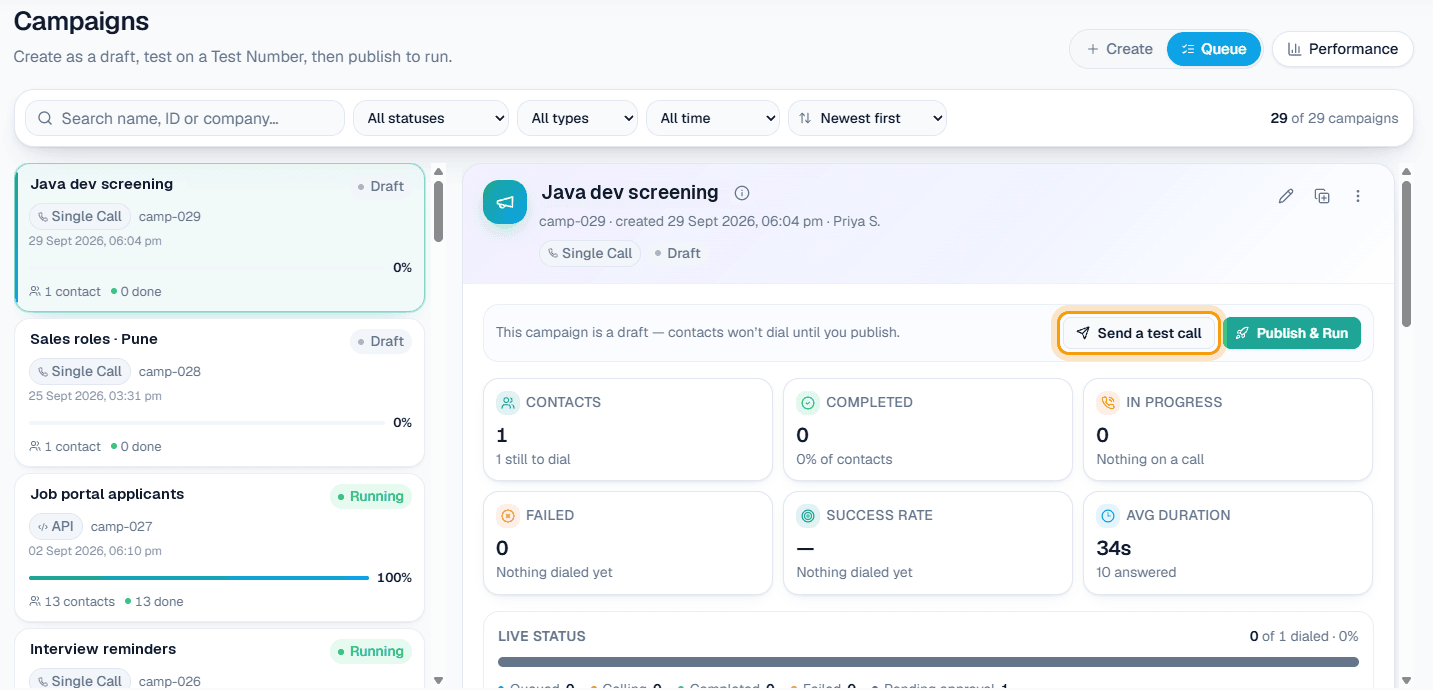
- Test it. On the Queue tab, press Send a test call to your own number and listen to how the questions sound.
- Publish & Run. Watch the queue fill in, and pause it at any time.
If candidates apply through a form on your careers page, a Webhook campaign can call each new applicant within about a minute of the form arriving. The steps are in Campaigns and webhook campaigns.
From call summaries to a shortlist
Every finished call has an AI Summary in Call Logs, with What happened, Suggested next step and What the customer asked, and the var1–var15 values from your file beside it. Recruiters can read through the answers instead of making the first call themselves. See Call logs and recordings.
To have the promising ones delivered rather than searched for:
- Lead Feed sends calls that Did its job or Sounded positive to email, a Google Sheet, a webhook or WhatsApp. A shared sheet works well as the recruiters' shortlist, with their own columns for status. See Lead Feed.
- Tags you define, such as "Immediate joiner", "Open to relocate" or "Above budget", are applied after each call from your list only. See call tags.
- When a candidate says "kal shaam ko call kariye", the request lands in Follow-ups with the time they asked for. See follow-ups.
- With call transfer set up in your Live workspace, a candidate who asks to speak to a recruiter can be connected to one of your team's numbers, who is briefed first.
Set DND hours so no candidate is rung late at night. Calls that fall inside the window are held, not lost. See DND.
Honest limits
| What it does | What it does not do |
|---|---|
| Asks the same first-round questions on every call | Assess technical depth or conduct the interview |
| Records answers in a summary, with the recording | Store a turn-by-turn transcript |
| Lets you read and listen to every call | Read or score CV files |
| Sends shortlisted calls to a sheet, email or webhook | Update your ATS by itself, unless you connect its webhook |
| Calls in Hinglish, Hindi, English and other Indian languages | Promise the same voice quality in every language; hear it on a Test call |
What the candidate says is what they said. Notice periods and salary figures still need confirming by your recruiter before an offer.
Be fair to candidates
People who have just lost a job are already anxious. Tell applicants on your job post or acknowledgement message that they may receive a short screening call. Decide in the purpose how the AI introduces itself and whose behalf it calls on. Keep the questions to what the role needs, and close every call by saying what happens next. For more on outbound campaigns in general, see automated outbound calling software.
Getting started
- Create a workspace and verify your mobile number to get ₹100 of Test credit in the separate Test environment.
- Fill in your Business Details: your firm's name, the roles you hire for and your office hours.
- Press Try now: the AI rings your own phone. Answer as a candidate.
- Save a screening purpose and run a test campaign with three of your own numbers.
- Go Live and top up the prepaid wallet before the first real list.
Calls of 10 seconds or less are free; longer calls are billed per started minute. The rate for your workspace is shown in the console. Talk to sales for volume pricing.